MP3 to video.your picture, ready for YouTube.
Drop your beat and an image. Download a 1920 × 1080 MP4 you can upload to YouTube. Free, no signup.
BUILT FOR BEATMAKERS · FREE · NO SIGNUP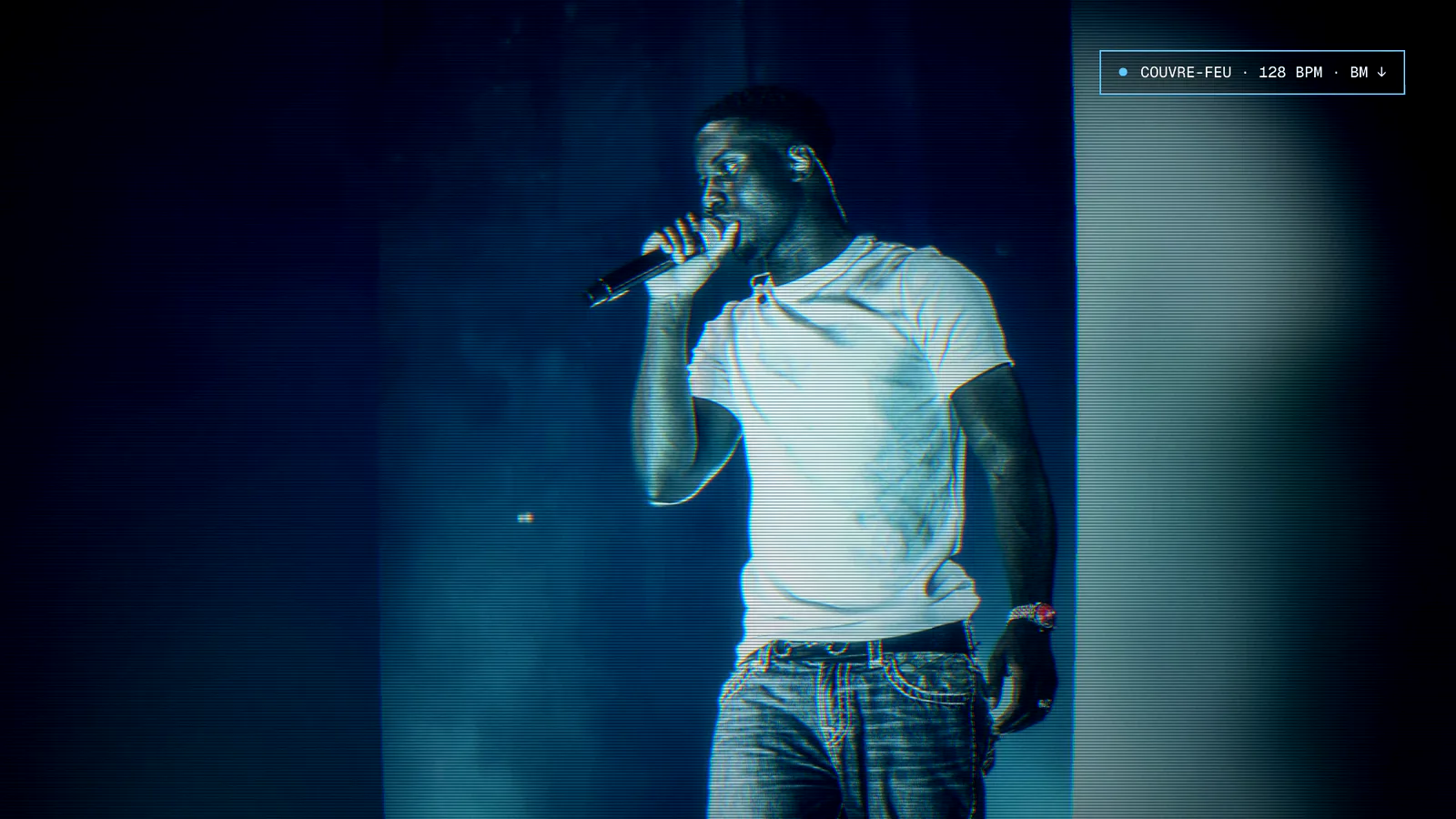 cover.jpgYOUR PICTURE
Three steps.all in your browser.
- 01
Upload your audio
MP3, WAV, FLAC, M4A, OGG or AAC. Your beat stays yours.
- 02
Add a picture
Yours, or one of the free visuals from the Sonro library. Then pick a look: film, camcorder, CRT screen…
- 03
Download your video
An MP4 in 1920 × 1080, the standard YouTube format.
Made with Sonro.one beat, one picture, one look.
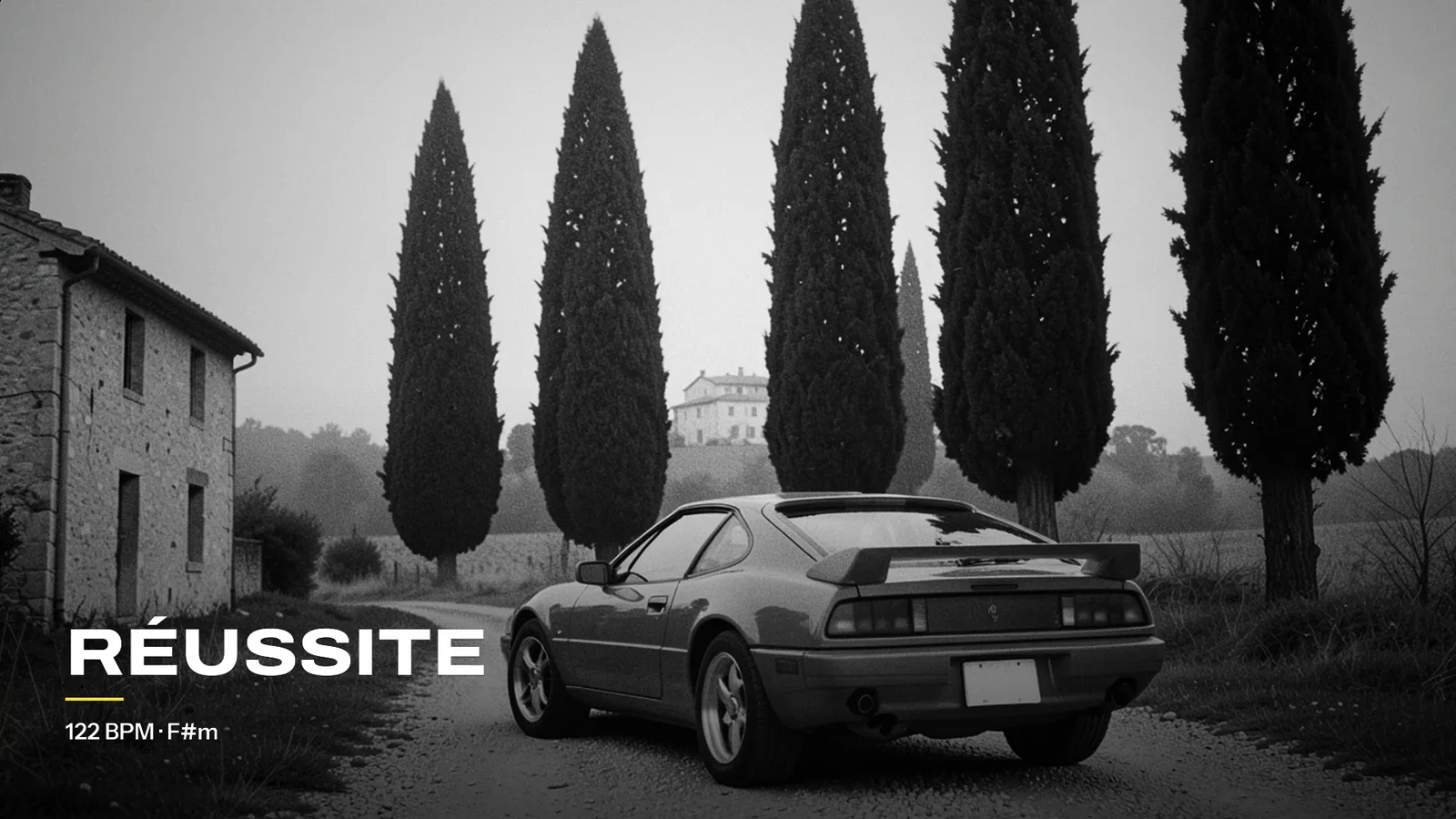
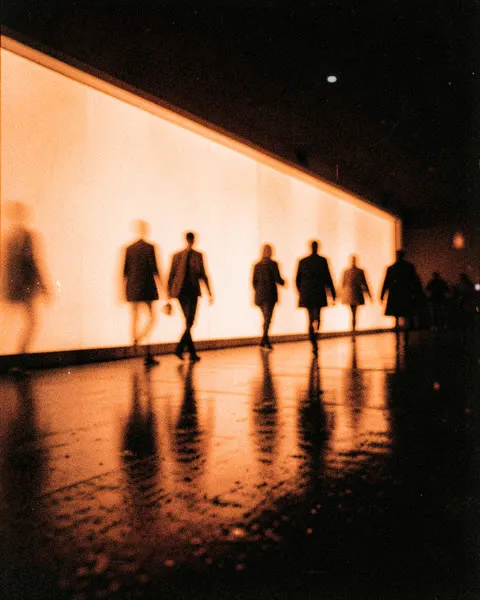
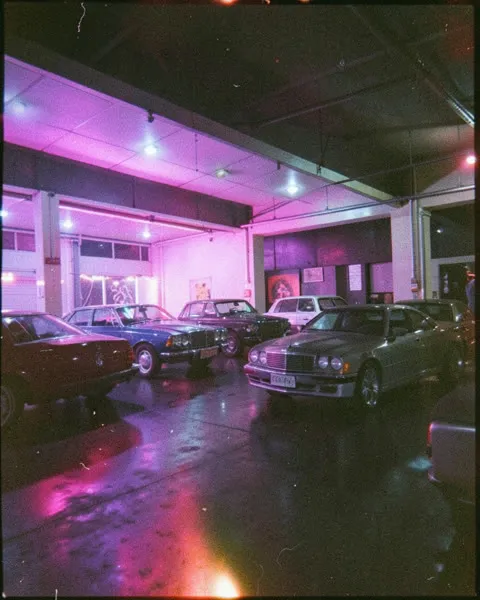
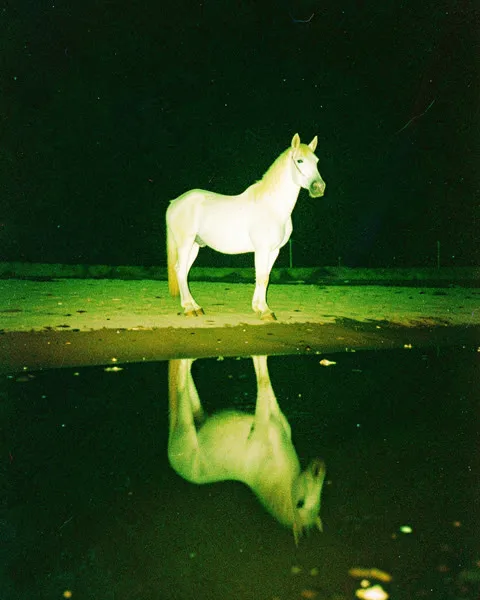
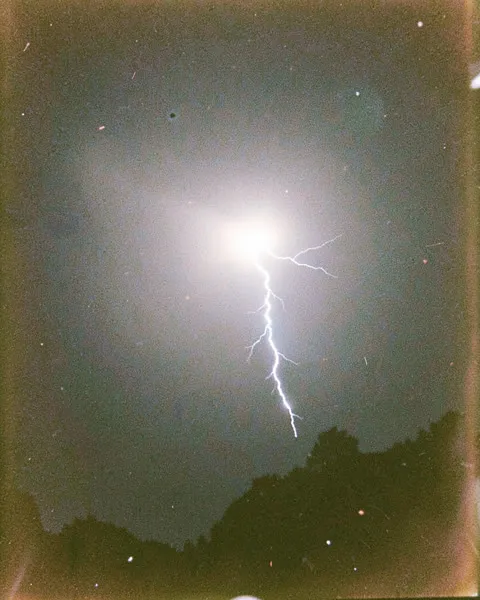
Examples made with Sonro. Free videos use fixed effects and carry a small “made with sonro.io” signature.
Then let Sonro post it.your beat on YouTube, without the busywork.
- Publish to your channel with the title, description and tags from your preset.
- Schedule a week of releases in one session with a Pack.
- Track clicks to your store from every video description. Discover Sonro →
FAQ
01How do I put a picture on an MP3?
Upload your MP3 and a picture on Sonro, pick a look, and download the MP4. Your first video is free, with no account.
02Can I upload an MP3 to YouTube?
Not directly: YouTube only accepts video files. Turn your MP3 into a video with a picture first, then upload the MP4. Or connect your channel and Sonro uploads it for you.
03Is it really free?
Yes. Your first video needs no signup. Create your free account to keep going: the Free plan includes 15 videos a month.
04Is there a watermark?
Free videos carry a small “made with sonro.io” signature. Paid plans remove it.
05What size is the video?
MP4, 1920 × 1080 (16:9), the standard format for YouTube.
06Do I need the rights to my music and picture?
Yes, you remain responsible for your own files. Visuals from the Sonro library are free for commercial use.
07Does it work on my phone?
Yes. Sonro runs in the browser, on computer and phone.